Logo DOAB
  • Publisher login
    • Support
    • Language 
      • English
      • français
    • Deposit
            View Item 
            •   DOAB Home
            • View Item
            •   DOAB Home
            • View Item
            JavaScript is disabled for your browser. Some features of this site may not work without it.

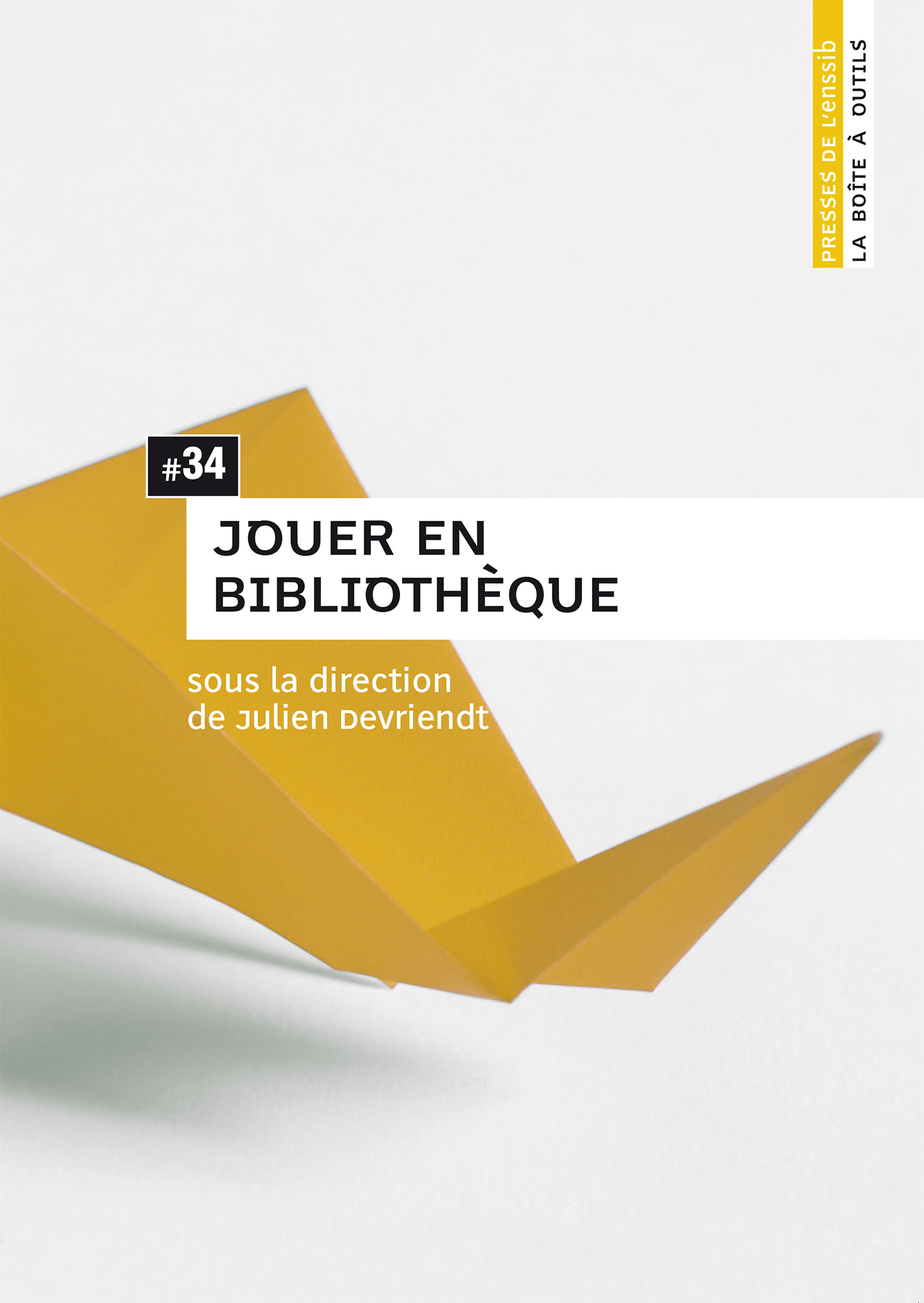
            Jouer en bibliothèque
            Thumbnail
            Download Url(s)
            http://books.openedition.org/pressesenssib/4181
            Author(s)
            Julien Devriendt
            Language
            French
            Show full item record
            Abstract
            Le développement du jeu vidéo mais également l’engouement des jeunes adultes pour les jeux de plateau, l’utilisation de dispositifs ludiques comme outils de médiation ou associés aux apprentissages sont venus prolonger les services des ludothèques et conduisent les bibliothèques à se réinventer pour devenir les lieux naturels où permettre la pratique de l’expérience du jeu dans toutes ses dimensions. Le plan s’organise autour de quatre parties : connaître le contexte (les espaces, les équipes, le droit), acquérir/valoriser (les fonds, jouets et serious games), animer/créer (projet de service, partenariats, médiation), et participer (une approche orientée communauté).
            URI
            https://directory.doabooks.org/handle/20.500.12854/50899
            Keywords
            jeux en réalité alternée; cdi; jeux sérieux; Minecraft; Institut français; Québec; ludo’malles; chasses au trésor; pratiques participatives; création; enfants; jeux vidéo; ludothèques; ludification; médiation numérique
            DOI
            10.4000/books.pressesenssib.4181
            ISBN
            9782375460719
            Publisher
            Presses de l’enssib
            Publisher website
            http://books.openedition.org/pressesenssib
            Publication date and place
            2015
            Classification
            Mathematics and Science
            • Imported or submitted locally

            Browse

            All of DOABSubjectsPublishersLanguagesCollections

            My Account

            LoginRegister

            Export

            Repository metadata
            Doabooks

            • For Researchers
            • For Librarians
            • For Publishers
            • Our Supporters
            • Resources
            • DOAB

            Newsletter


            • subscribe to our newsletter
            • view our news archive

            Follow us on

            • Twitter

            License

            • If not noted otherwise all contents are available under Attribution 4.0 International (CC BY 4.0)

            donate


            • Donate
              Support DOAB and the OAPEN Library

            Credits


            • logo Investir l'avenirInvestir l'avenir
            • logo MESRIMESRI
            • logo EUEuropean Union
              This project received funding from the European Union’s Horizon 2020 research and innovation programme under grant agreement No 871069.

            Directory of Open Access Books is a joint service of OAPEN, OpenEdition, CNRS and Aix-Marseille Université, provided by DOAB Foundation.

            Websites:

            DOAB
            www.doabooks.org

            OAPEN Home
            www.oapen.org

            OAPEN OA Books Toolkit
            www.oabooks-toolkit.org

            Export search results

            The export option will allow you to export the current search results of the entered query to a file. Differen formats are available for download. To export the items, click on the button corresponding with the preferred download format.

            A logged-in user can export up to 15000 items. If you're not logged in, you can export no more than 500 items.

            To select a subset of the search results, click "Selective Export" button and make a selection of the items you want to export. The amount of items that can be exported at once is similarly restricted as the full export.

            After making a selection, click one of the export format buttons. The amount of items that will be exported is indicated in the bubble next to export format.