Logo DOAB
  • Publisher login
    • Support
    • Language 
      • English
      • français
    • Deposit
            View Item 
            •   DOAB Home
            • View Item
            •   DOAB Home
            • View Item
            JavaScript is disabled for your browser. Some features of this site may not work without it.

            Organiser l'accueil en bibliothèque
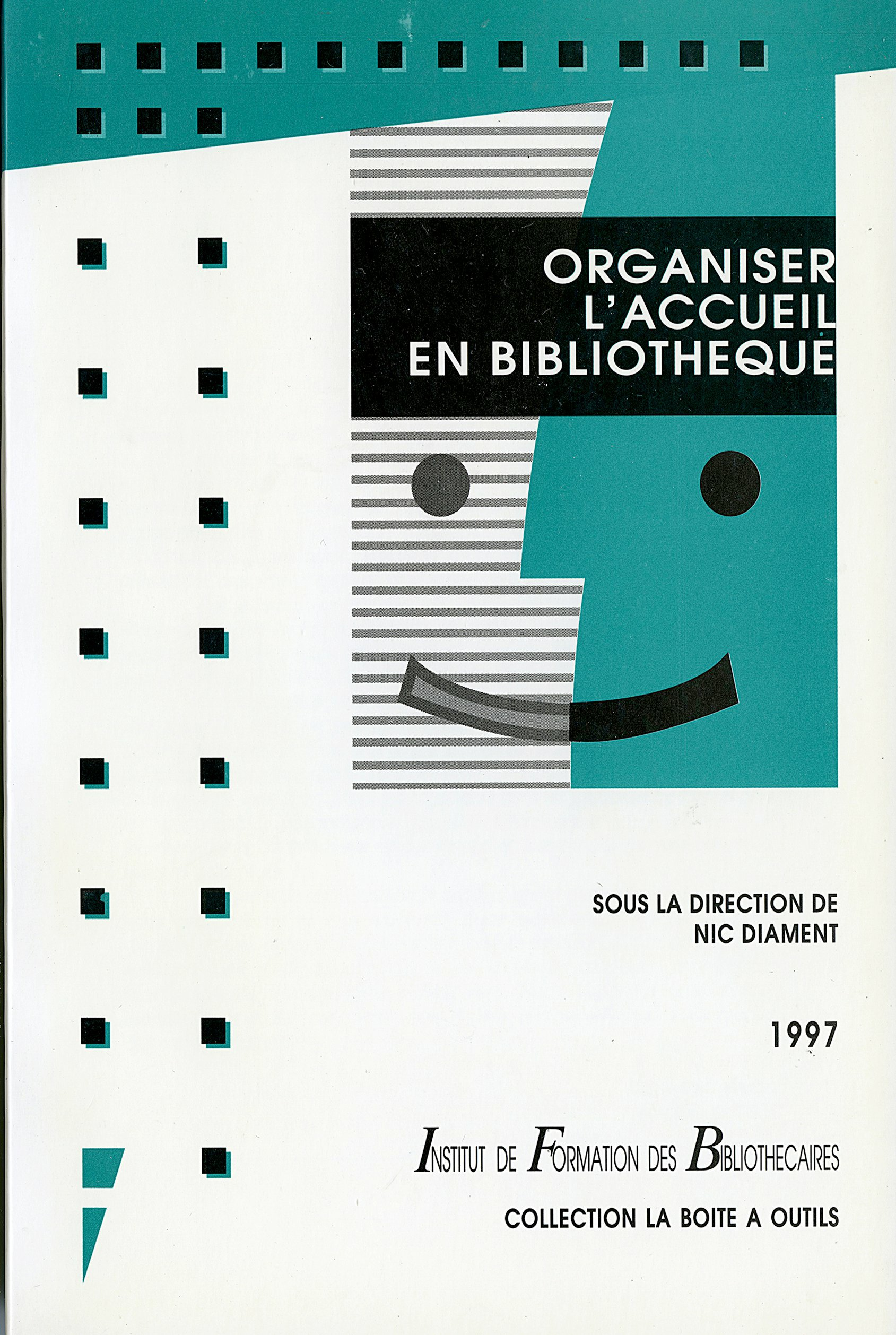
            Thumbnail
            Download Url(s)
            https://books.openedition.org/pressesenssib/14563
            Contributor(s)
            Diament, Nic (editor)
            Language
            French
            Show full item record
            Abstract
            Organiser l’accueil du public est aujourd’hui une exigence récurrente de tous les services publics. Cette activité prend des formes multiples : de la mise en place d’un service spécialisé au réaménagement de locaux, en passant par la conception d’outils, la régulation des flux ou l’implication du personnel, les variations de l’accueil sont presque infinies et doivent donc être déclinées dans le cadre d’une stratégie d’établissement mûrement réfléchie. Nic Diament, directrice-adjointe de la Bibliothèque Publique d’Information, a réuni des professionnels pour proposer non une panoplie de recettes mais des outils pour construire une politique de l’accueil dans les bibliothèques.
            URI
            https://directory.doabooks.org/handle/20.500.12854/85735
            Keywords
            bibliothèque organisation et environnement; services et publics
            DOI
            10.4000/books.pressesenssib.14563
            Webshop link
            https://www.7switch.com/fr/ebo ...
            ISBN
            9782375461587, 9782910966058
            Publisher
            Presses de l’enssib
            Publisher website
            http://books.openedition.org/pressesenssib
            Publication date and place
            Villeurbanne, 1997
            Series
            La Boîte à outils,
            Classification
            Library and information sciences / Museology
            Pages
            200
            Rights
            https://www.openedition.org/6540?lang=en
            • Imported or submitted locally

            Browse

            All of DOABSubjectsPublishersLanguagesCollections

            My Account

            LoginRegister

            Export

            Repository metadata
            Doabooks

            • For Researchers
            • For Librarians
            • For Publishers
            • Our Supporters
            • Resources
            • DOAB

            Newsletter


            • subscribe to our newsletter
            • view our news archive

            Follow us on

            • Twitter

            License

            • If not noted otherwise all contents are available under Attribution 4.0 International (CC BY 4.0)

            donate


            • Donate
              Support DOAB and the OAPEN Library

            Credits


            • logo Investir l'avenirInvestir l'avenir
            • logo MESRIMESRI
            • logo EUEuropean Union
              This project received funding from the European Union’s Horizon 2020 research and innovation programme under grant agreement No 871069.

            Directory of Open Access Books is a joint service of OAPEN, OpenEdition, CNRS and Aix-Marseille Université, provided by DOAB Foundation.

            Websites:

            DOAB
            www.doabooks.org

            OAPEN Home
            www.oapen.org

            OAPEN OA Books Toolkit
            www.oabooks-toolkit.org

            Export search results

            The export option will allow you to export the current search results of the entered query to a file. Differen formats are available for download. To export the items, click on the button corresponding with the preferred download format.

            A logged-in user can export up to 15000 items. If you're not logged in, you can export no more than 500 items.

            To select a subset of the search results, click "Selective Export" button and make a selection of the items you want to export. The amount of items that can be exported at once is similarly restricted as the full export.

            After making a selection, click one of the export format buttons. The amount of items that will be exported is indicated in the bubble next to export format.