Logo DOAB
  • Publisher login
    • Support
    • Language 
      • English
      • français
    • Deposit
            View Item 
            •   DOAB Home
            • View Item
            •   DOAB Home
            • View Item
            JavaScript is disabled for your browser. Some features of this site may not work without it.

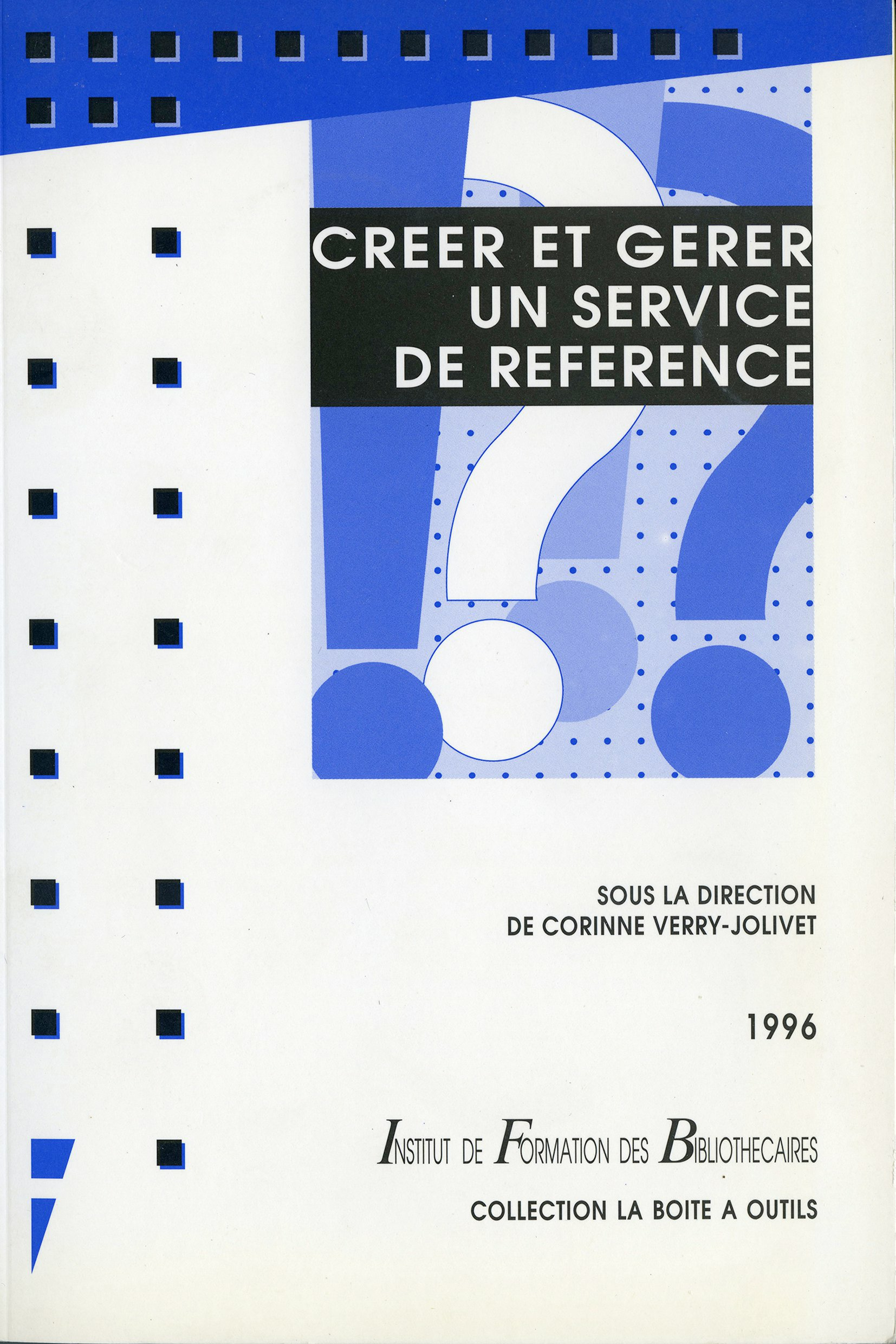
            Créer et gérer un service de référence
            Thumbnail
            Download Url(s)
            https://books.openedition.org/pressesenssib/14188
            Contributor(s)
            Verry-Jolivet, Corinne (editor)
            Language
            French
            Show full item record
            Abstract
            L’importance accrue de l’information pour nos concitoyens, et la complexité des formes quelle revêt, conduisent les bibliothèques à transformer leurs services. Au-delà de la stricte gestion d’une collection, les bibliothécaires s’attachent à écouter les demandes des utilisateurs et à traiter l’information pour y répondre. Corinne Verry-Jolivet, directrice du Centre d’information scientifique de l’Institut Pasteur, a réuni des contributeurs venant d’horizons très divers pour démontrer comment on peut développer des services de référence dans les bibliothèques spécialisées comme dans les bibliothèques publiques.
            URI
            https://directory.doabooks.org/handle/20.500.12854/85722
            Keywords
            services et publics; traitement de l’information; monde de l’information
            DOI
            10.4000/books.pressesenssib.14188
            Webshop link
            https://www.7switch.com/fr/ebo ...
            ISBN
            9782375461556, 9782910966027
            Publisher
            Presses de l’enssib
            Publisher website
            http://books.openedition.org/pressesenssib
            Publication date and place
            Villeurbanne, 1996
            Series
            La Boîte à outils,
            Classification
            Library and information sciences / Museology
            Pages
            144
            Rights
            https://www.openedition.org/6540?lang=en
            • Imported or submitted locally

            Browse

            All of DOABSubjectsPublishersLanguagesCollections

            My Account

            LoginRegister

            Export

            Repository metadata
            Doabooks

            • For Researchers
            • For Librarians
            • For Publishers
            • Our Supporters
            • Resources
            • DOAB

            Newsletter


            • subscribe to our newsletter
            • view our news archive

            Follow us on

            • Twitter

            License

            • If not noted otherwise all contents are available under Attribution 4.0 International (CC BY 4.0)

            donate


            • Donate
              Support DOAB and the OAPEN Library

            Credits


            • logo Investir l'avenirInvestir l'avenir
            • logo MESRIMESRI
            • logo EUEuropean Union
              This project received funding from the European Union’s Horizon 2020 research and innovation programme under grant agreement No 871069.

            Directory of Open Access Books is a joint service of OAPEN, OpenEdition, CNRS and Aix-Marseille Université, provided by DOAB Foundation.

            Websites:

            DOAB
            www.doabooks.org

            OAPEN Home
            www.oapen.org

            OAPEN OA Books Toolkit
            www.oabooks-toolkit.org

            Export search results

            The export option will allow you to export the current search results of the entered query to a file. Differen formats are available for download. To export the items, click on the button corresponding with the preferred download format.

            A logged-in user can export up to 15000 items. If you're not logged in, you can export no more than 500 items.

            To select a subset of the search results, click "Selective Export" button and make a selection of the items you want to export. The amount of items that can be exported at once is similarly restricted as the full export.

            After making a selection, click one of the export format buttons. The amount of items that will be exported is indicated in the bubble next to export format.